Okay, I'm not that into SVG-files (kinda funny, now that I'm maintaining ha-floorplan)... Therefore, I'm not that used to using SVG-specific terms, and I'll for sure mess something up...
But here we go....
I've removed the text-element from the svg's in the below example.
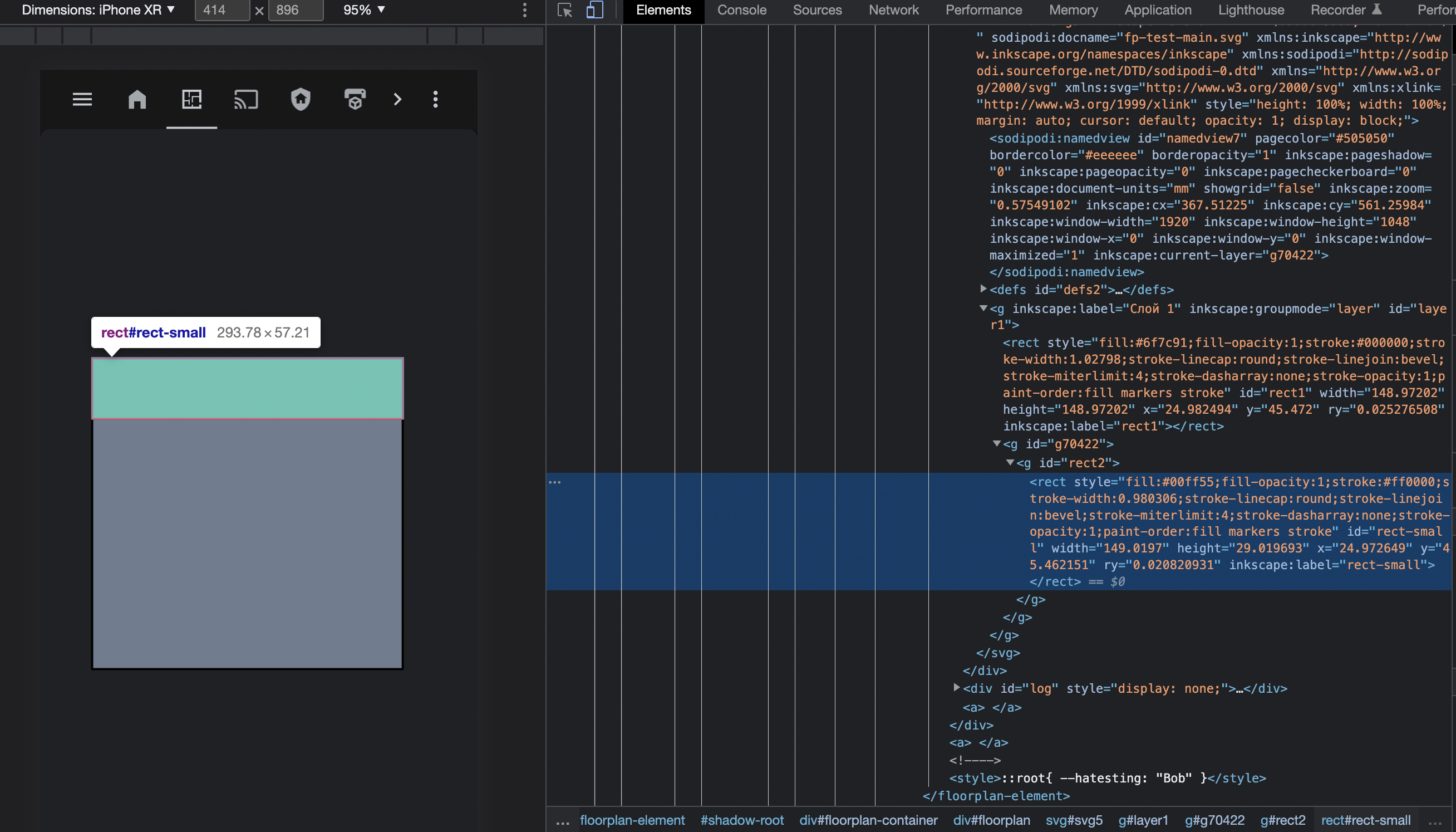
Case 1 is that you've a rect-element added within the parent rect:
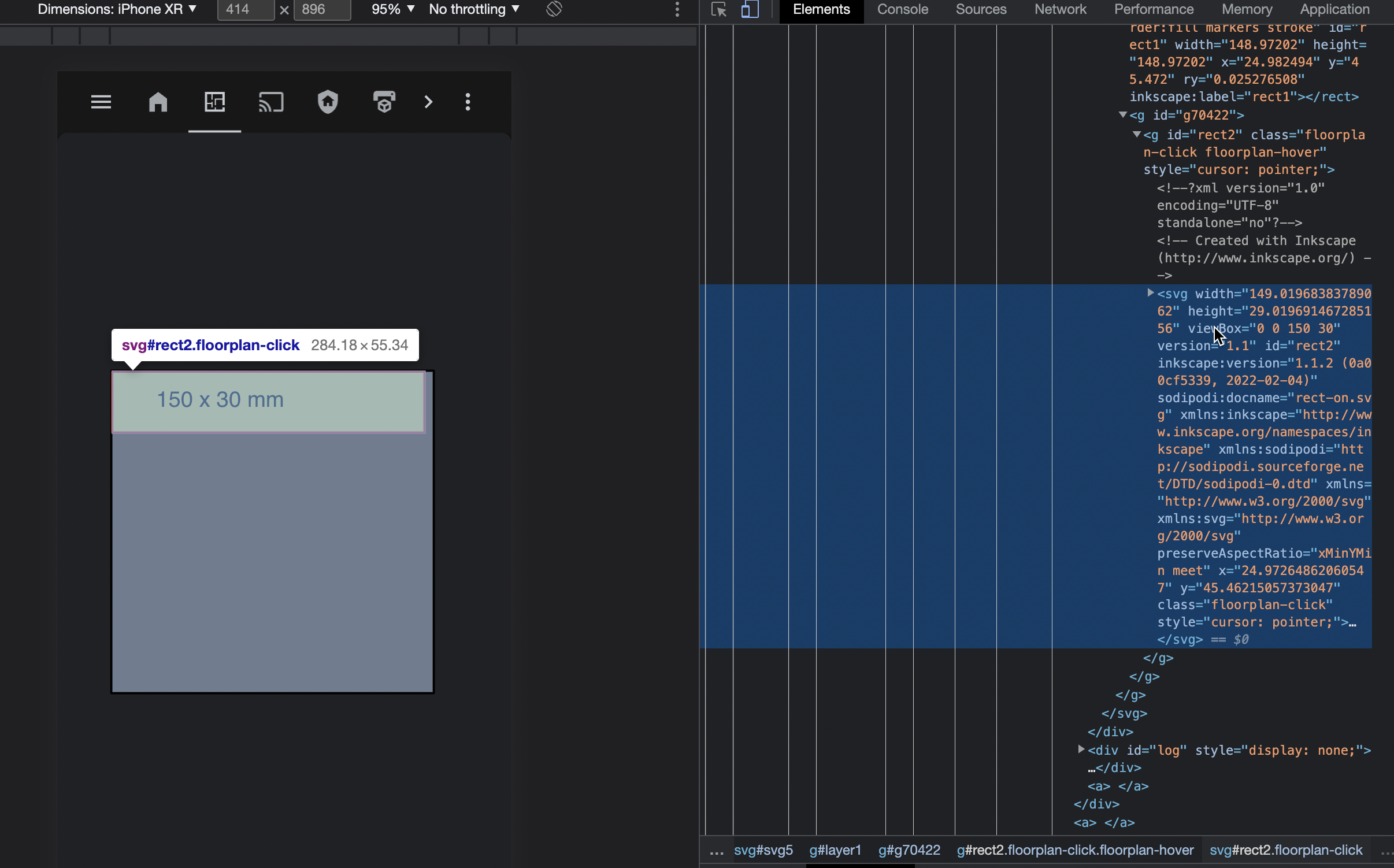
Case 2 is that you've a svg-file, added within your parent rect:
Case 1
You've added a rect, with has the x and y location, including the ry (radius on the y-axis), width and height.
Change the width and height, and the size changes.
Change x and y, and the rect-element moves around.
Change ry, and you have "border-radius" like results, due to the shape (20 width, 20 height and 10 ry will give you a circle), but let's skip this one for now.
There's nothing more going on here.
Case 2
Well, now we know what a normal rect is made, and we'll now try and add a child svg file, within a rect.
Here's your code, again stripped down a bit, of the new svg file which you're adding to the dom:
Notice that you're starting with a new svg wrapper, which both contains x and y, but also a width and height.
In the g element, you've already added a translate(-38.97833,-77.829717) value, you're also playing around with x and y, now not only on the parent svg, but also the child svg, and the rect, too.
So what now?
My personal take could be to strip down your inner svg-elements, but I'm not sure if that makes the work in Inkscape (very) problematic...?
<img width="1578" alt="image" src="https://user-images.githubusercontent.com/3549445/192118330-554ae933-67c0-483b-9201-8f681ad561ca.png">
Here I've stripped down the child svg element, so it's actually only containing the rect element.
For your case, having the rectto show up on the right location in the frame, will require you to define x and y, ofc...
I'm not sure what the best solution could be for you, but you can't expect four elements to align, where you have scaling and positioning in play. I guess there must be a work-around in Inkscape, but I've not had the need to play around with that.
TL;DR
You're playing around with multiple properties which defines how the svg-files and rects elements is displayed on your screen, and currently it looks a bit messy. There must be some advance users here, how can give you some tips and tricks.
I'll recommend you to see if it's possible to simply your solution a bit, cause it's just a question about your scaling