this guide is for isometric sprites in a particular style using the reForge interface
checkpoint
noobai-cyberfix-v2perpendicular-cyberfix-v2-vpred (civitai)
https://civitai.com/models/1080969/noobai-cyberfix-v2perpendicular-cyberfix-v2-vpred
lora
noob05-pixelart-unet only-dec29 (shared on /v/, supposedly from /h/)
330mb so had to split
https://files.catbox.moe/h14fj2.001 (part 1)
https://files.catbox.moe/iqscge.002 (part 2)
prompt
https://files.catbox.moe/kgx7y6.png

prepare an elin sprite to make sure results are the right size
I use this imouto from kurogami
https://files.catbox.moe/vab06g.png

get one you like, upscale 8x, and have ready to compare to generations
use given prompt as baseline, delete commented section and insert desired character prompts
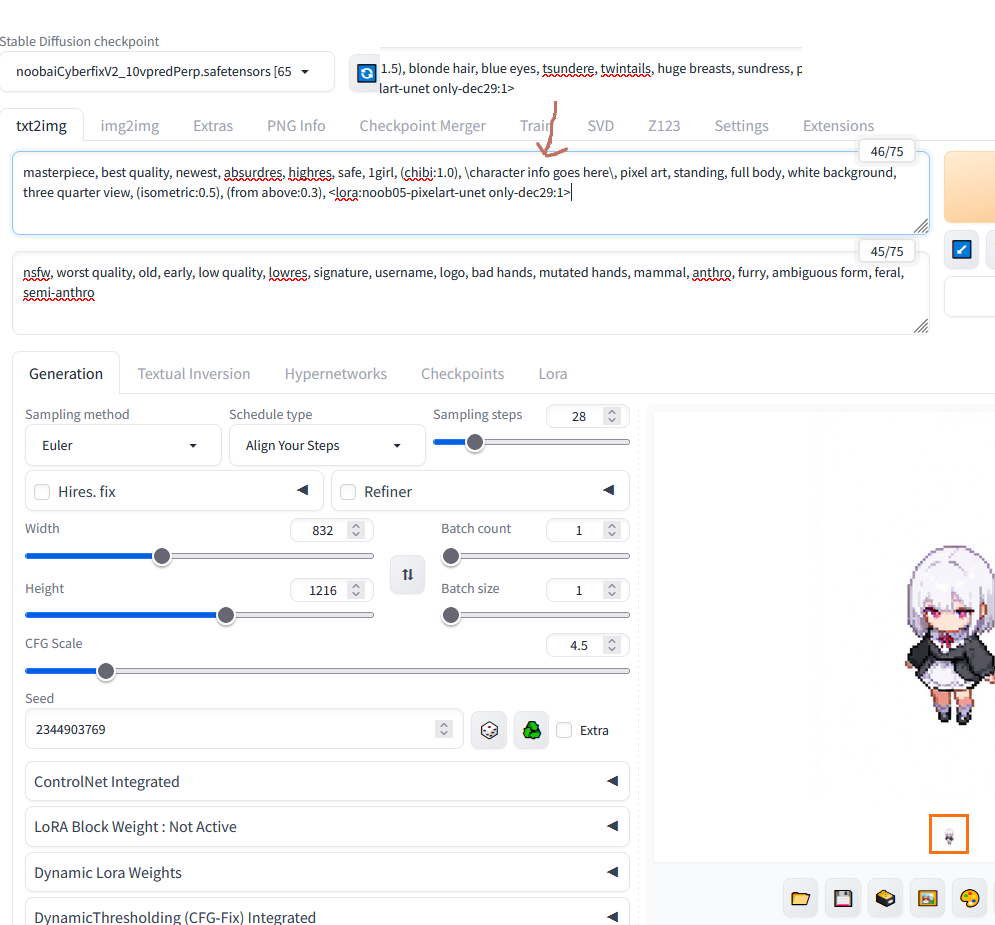
settings should match image

when approaching desired results, you may adjust the "chibi,three quarter view, isometric, from above" tags to make fine adjustments

compare to original elin sprite to confirm correct size

our example is a bit too small for an older sister, but with adjustments

adjustments can only do so much, may need to restart from base prompt on new seeds if you can not get the result just right
open result in image software such as Gimp
downscale to 12.5% size, Interpolation: None (VERY IMPORTANT).
this is a clean 8x division because original generation has fake "pixels" that are 8px size
dividing by some amount that doesn't match the fake "pixel" size will distort results
add transparency if needed
delete background, do NOT use feathering
set canvas 128x128
use original elin sprite to line up new sprite with correct positioning

simple manual edits like white dots in the eyes, filling in missing outlines, and smoothing stray pixels may increase quality

done
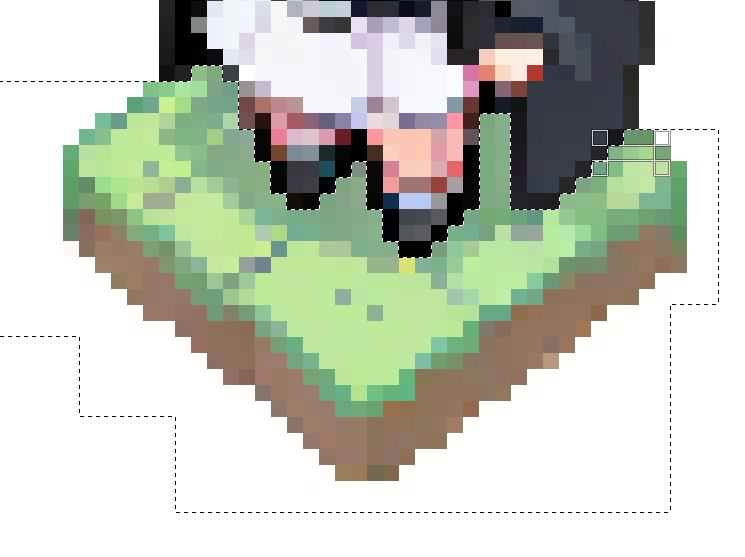
isometric tag might add a tile to generations. the pixels will divide cleanly at the final step, just manually delete it as you would the background