Chxrlieboo's Mini Guide to Genning on MJ!
The Basics
- Obviously you're gonna wanna purchase a membership on Midjourney.
- If you run out of hours, you can complete tasks as well as rate images for free fast hours.
- If you have images you like in Pinterest boards or something, you can create a Moodboard and gather them all together to make your own personalized code. For instance, I made two Moodboards that were a "dark aesthetic" and I used the code and got dimly lit close-up gens.
Profile Codes
- Profile codes are very important when generating images. This determines what your image will look like (i.e. vibrant, eerie, suggestive, etc).
- You can make your own profile codes by rating images as well as doing Moodboards.
Moodboards
- Moodboards have to be the best and easiest way to make a profile/p code. You simply just gather images and put them together. Make sure not to have them too suggestive or Midjourney will flag the images and you'll have to remove them.
- One Moodboard has a limit of 100 images but images you generate with the p code are also added to this Moodboard by default.
- I believe you can make unlimited Moodboards but I could be wrong.
- You can't combine Moodboard codes like you can profile codes. You can put a Moodboard and multiple profile codes together.
Prompts
- Now prompts can be a bit difficult especially if you're new to AI like I was. Trust me - it was bad. I used "digital art" as a prompt and it came out gross looking..
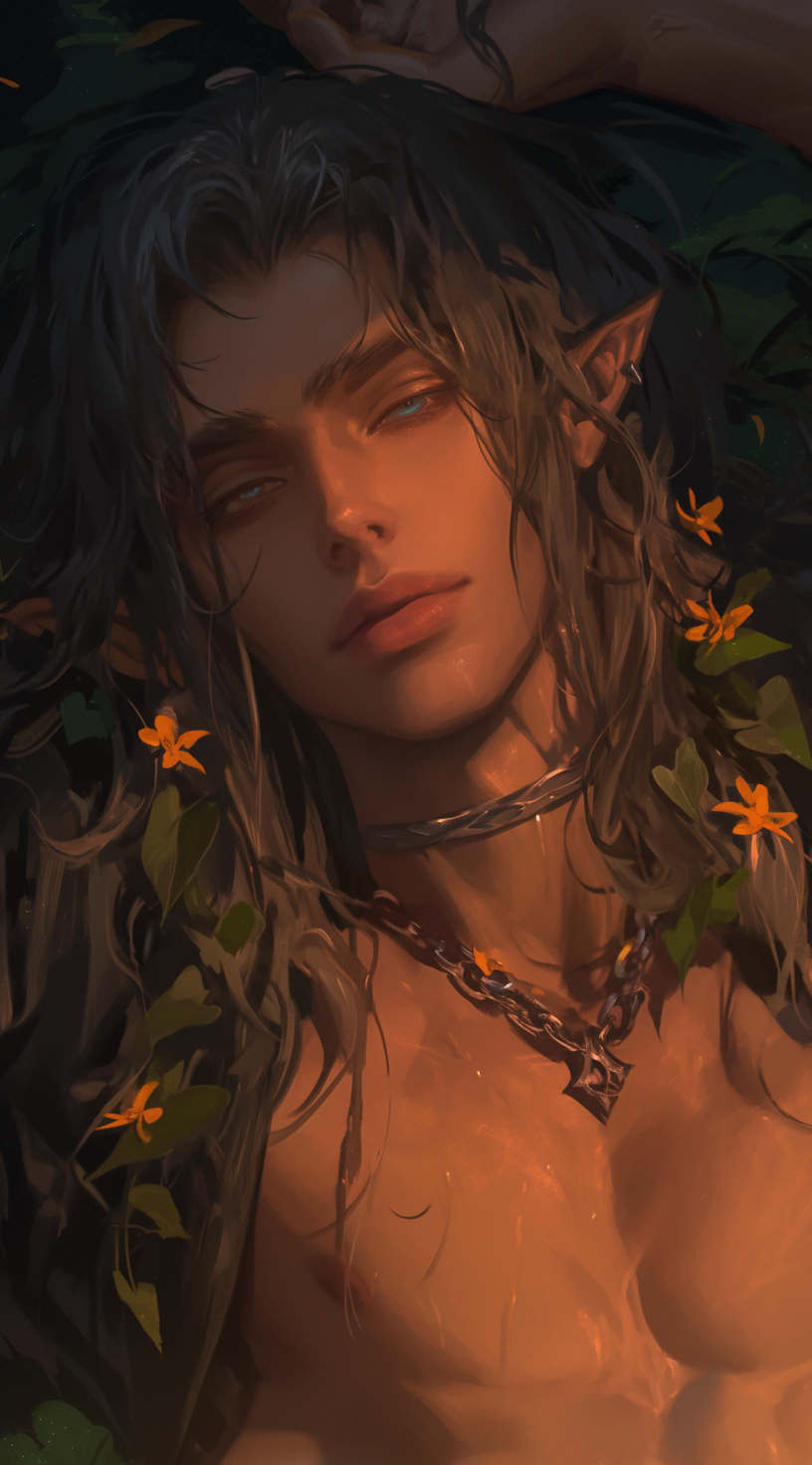
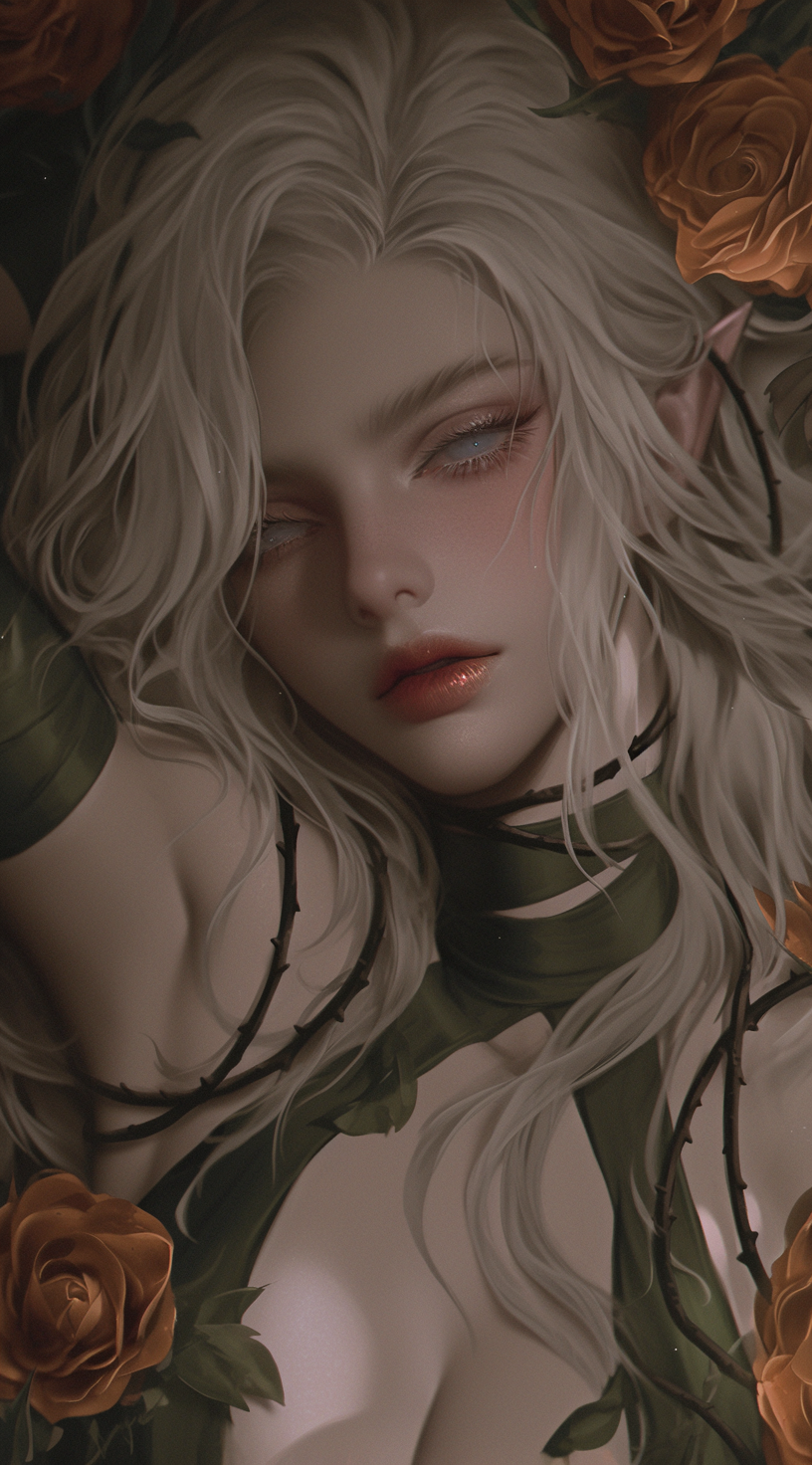
- Now I use:
"<pseudo-realistic style illustration, semi realism, cinematic dynamic gradient lighting, focus on details, bold lines>" - I also include a color palette so the image can follow my color preferences!
"Utilize an eclectic whimsical wondrous color palette with a subtle focus on ."You can put any amount of colors in it, I usually do 3-5. - Next, you describe what you want in detail. For instance if I want a demi-human I'll explain it this way:
"An attractive man with fluffy, tousled, medium length, brunette hair. He has wolf ears and a wolf tail, both the same color as his hair. He has narrowed pale green eyes and long lashes. His lips are plump and rosy and he has a subtle crimson color on his cheeks. His facial features are stoic, hiding a pinch of embarrassment. He's sitting at a desk in a classroom full of students in the background. Light environment, afternoon. He's wearing a brown turtleneck sweater and darkwash jeans. His fingers are adorned with intricate silver rings. He is looking at the viewer, focus on him/close-up shot."Then I'll usually use"--niji 6 --ar 71:128 --profile qx1w445 --no wolf (animal)" - Detail in prompts are so important!
Style References & Character References
- Style references and character references otherwise known as
"--sref"and"--cref"on Midjourney are extremely helpful! - I use
"--sref"when I want a specific style for one of my images. I use https://catbox.moe/ to turn my images into links to paste after"--sref". - I use
"--cref"when I'm making chibi's that I usually put on the bottom of my post. When making a chibi for a character that is in the making, I usually make my character image into a link and paste it after"--cref". Make sure your image isn't overly suggestive as Midjourney will flag images with naked chests and overly visible cleavages. I usually crop my images if they're too suggestive. Sometimes you can get away with using an overly suggestive picture as a"--cref".
Image Sizes
- Image sizes are important when it comes to making characters, chibi's, and your own stickers!
- For characters, I usually use
"--ar 71:128", for chibi's I use"--ar 3:2", and for little stickers I use"--ar 1:1".
Codes To Use ~ Codes I Use!
--profile qx1w445- from my Moodboard, I use this for characters, backgrounds, and chibi's. My favorite code!--profile k7tkfa4- another code from my Moodboard, I use this for characters mostly.--profile z6sbeah- yet another code from my Moodboards, the newest one. Can make suggestive + follow a type of color palette you want!--profile ysklvlz- Another nother code from my Moodboards, used for "suggestive" images.
Conclusion
- Alrighty! That's mostly it, I will try to update this guide as much as I can when I myself learn new things but for now, I hope this guide helped wonders to beginners!