How to get Figma Professional (Edu) for Free.
This account will work for anywhere between 2 to 4 years for the least. Guide compiled by Li [李] on Rentry.
- Turn on VPN (IP USA)
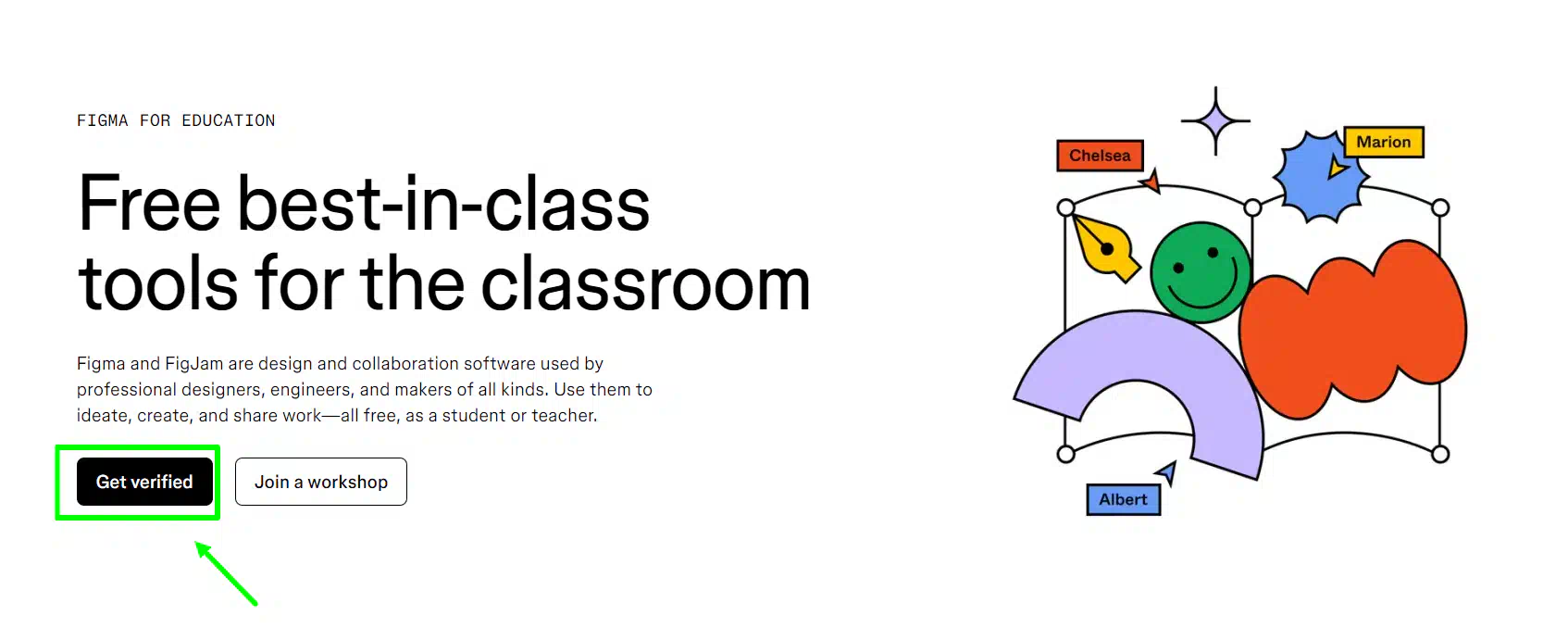
- Go to the figma website using this link https://www.figma.com/education
- Click on the "Get verified "
- Fill out the questionnaire
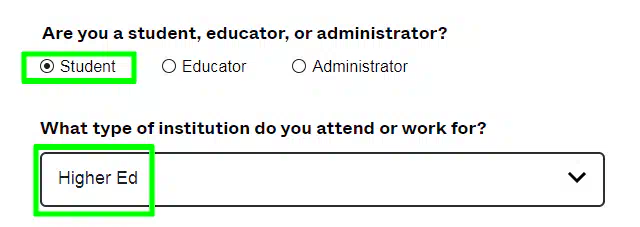
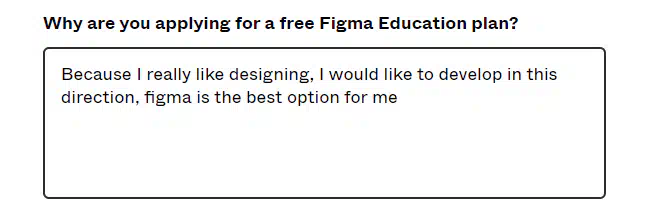
- Here we write something like this text: "Because I really like designing, I would like to develop in this direction, figma is the best option for me"
Important
Change the text a little bit, for 100% result
- Choose the college

- Choose the field of study

- Upload file (provided below)

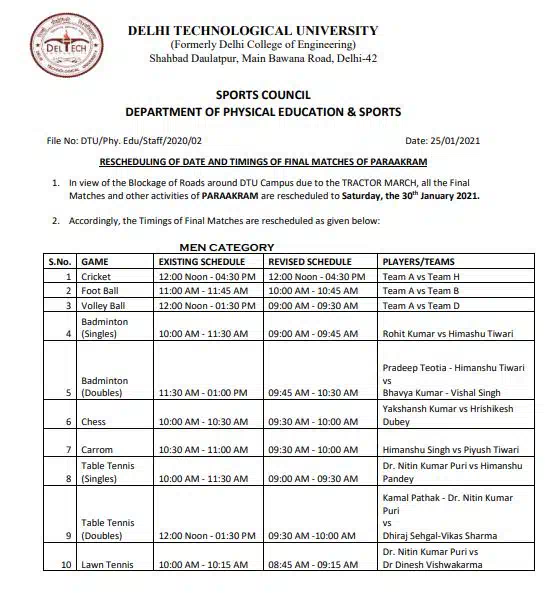
- Next, we choose a date exactly 2 years from now, at the moment it is August 2026

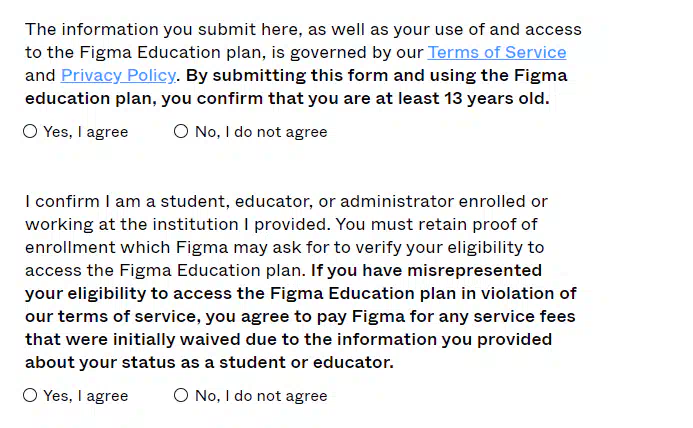
- Here we agree to the terms and click SUBMIT
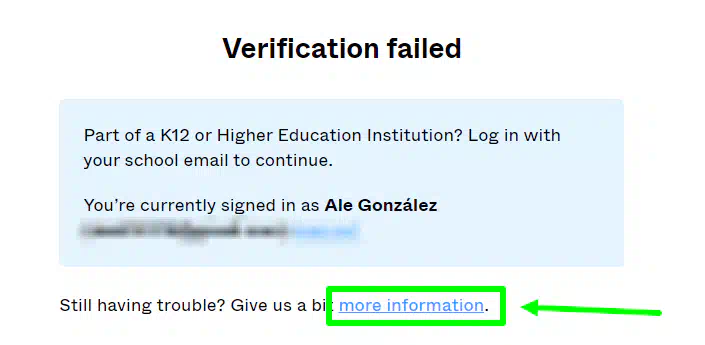
Next step - Verification failed, solution!
- Click on more information
- Copy paste
https://dtu.ac.in
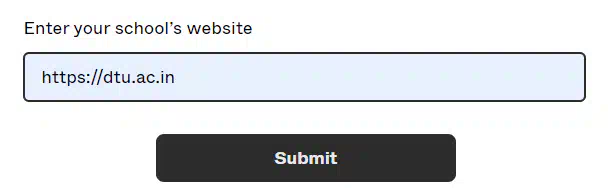
- Done Verification Successful