HOW TO TINT USING IBISPAINT X
this guide is for a mobile version. first off, you need to have premium for this so if youre android, you can download a mod for it. as for ios, im not sure.
desktop vers
how to make ur skins detailed
this guide is purely inspired by those 2 guides
so, kudos to them ^_^
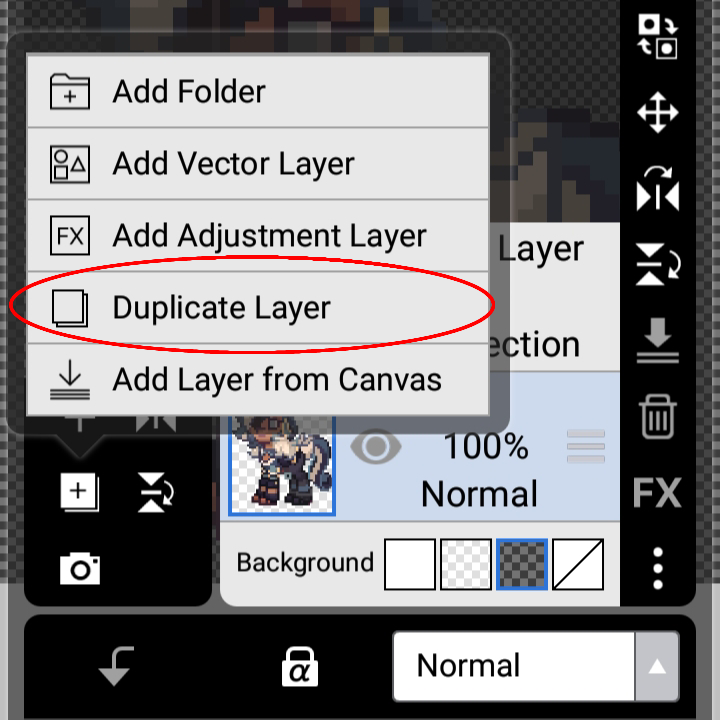
I. moving on.. import your pony onto ibispaint, open up the layers tab then click on the little '+' icon. after that, press 'duplicate layer'. shown here:
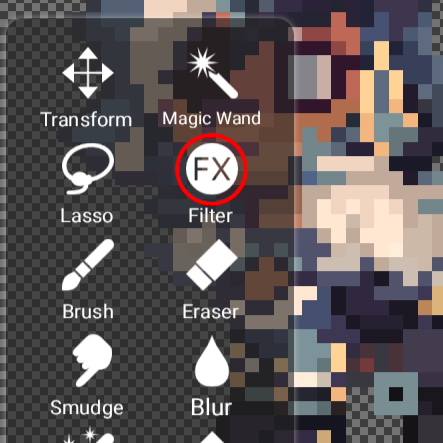
II. after thats done, click on the brush icon then choose 'filter'
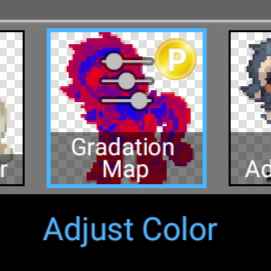
III. now, find 'gradation map' which will be in the adjust color category
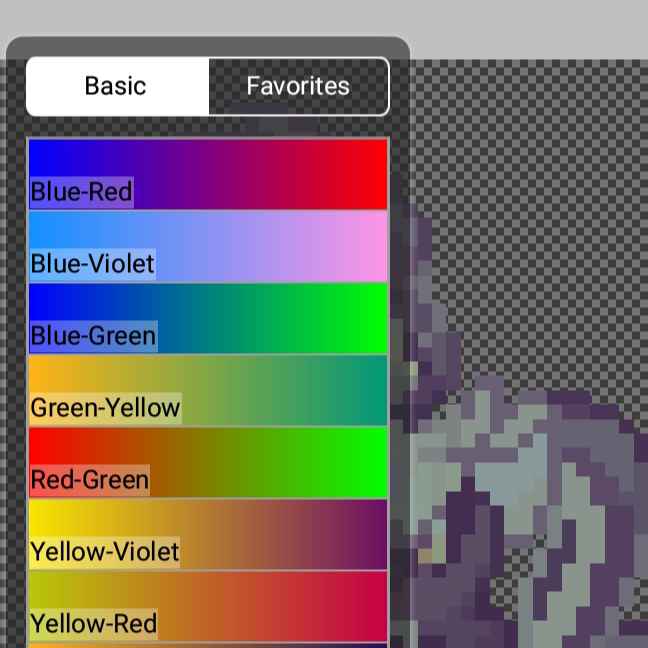
IV. there, you will have a whole selection. just experiment around with the color palettes along with blending mode till eventually you find one that you like.
to choose what blending you'd like, just open the layers tab again and click on the normal button. from there, the blending mode menu will show up.
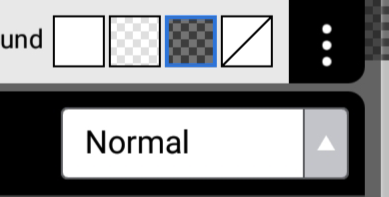
dont forget to duplicate the pony everytime you want to add another gradation map, remember to play around with the opacity of the layers aswell so it will look more natural
V. once youre done experimenting, open up the layers tab again. click on the '+' icon, but instead of duplicating. choose 'adjustment layer'.
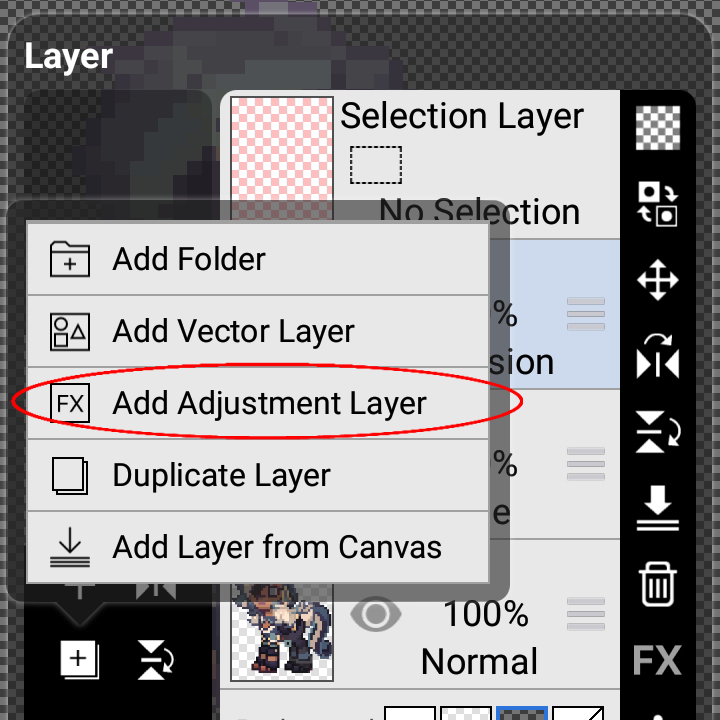
VI. choose 'filter' again, go back to the adjust color category and instead, press 'tone curve'. just play around with it until youre satisfied
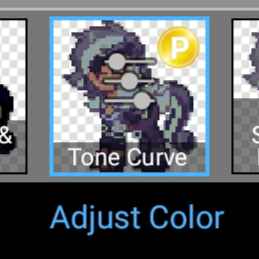
there :3 youre done tinting in ibispaint x. here are some that i did

my main. if you have any questions regarding this, feel free to ask here. pls dont use the one on my profile lol