How to claim a url
Also see: /claim-guide
- If you haven't done so already, go to /request-url

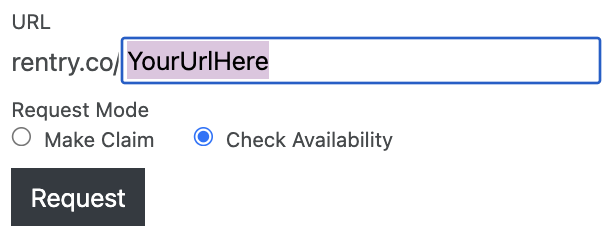
- Switch the request mode to "Check Availability".

- Enter whatever url you want! Doesn't have to be specifically a 2-character one. Press "Request".
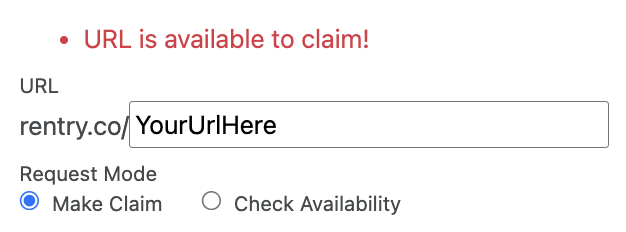
- If it says "URL is available to claim!" then go ahead and switch the request mode to "Make Claim" if you want this one. If it says "There is no post with this URL." or "This URL currently does not exist. You can create it on /new" then you can literally just go ahead and grab it here.
- If you do not have an account with Rentry yet, enter your email. This is so Rentry can email you an edit code if they approve your claim. I recommend using gmail as I didn't receive the edit code email when claiming using an icloud email.

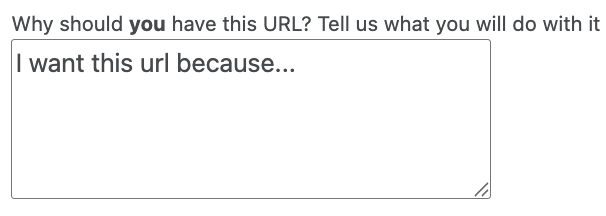
- In the "Message" box, write something explaining why you want the url. Doesn't matter that much if you're the only one claiming, but I wouldn't recommend making it gibberish.
- Once you're ready, go ahead and submit your request! I don't recommend you tell anyone that you are claiming it, unless you want to participate in the best claim message contest!

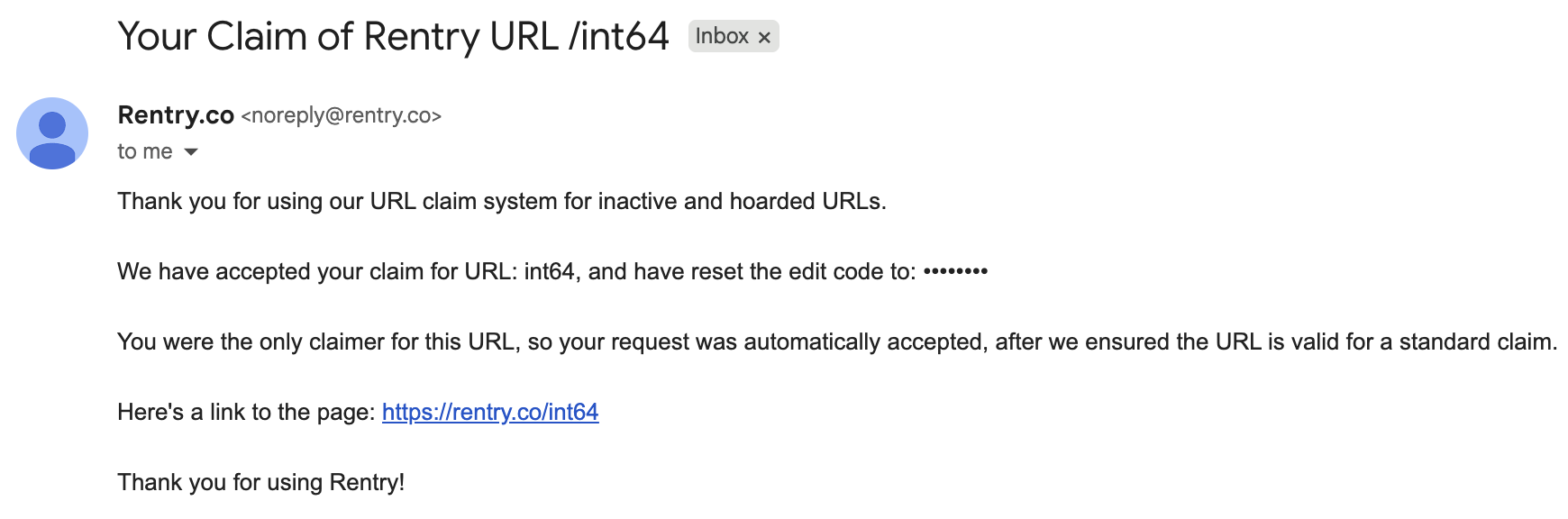
- Now that you have sent the claim request, you should see the results in your inbox in a few days! Here's something I would expect to see. Note: edit code here is censored for obvious reasons, you do not want to share your edit code!
- If you successfully get the url you want, try to make it look like it took at least 30 or 40 seconds to make. Edit it at least once or twice a year. Add a SECRET_EMAIL_ADDRESS in the metadata.
You should create an account at /request-login with the email you used to claim. This will give you some useful information such as if anyone else is claiming the url you are claiming, and the ability to edit your message! If you made an account, go to /user-account/claims to see it!